What is IBO Gold Player?
IBO Gold Player is a premium streaming application designed for modern enthusiasts who demand the best viewing experience. Built from the ground up with performance and user experience in mind, this powerful media player transforms any compatible device into a full-featured entertainment hub.
Unlike traditional cable TV or basic streaming apps, IBO Gold Player delivers content through advanced streaming technology. This means you get access to thousands of entertainment channels, an extensive on-demand library of movies and series, and comprehensive sports coverage — all through a single, elegantly designed application.
The player supports multiple stream formats including HLS, MPEG-TS, and RTMP, ensuring compatibility with virtually every streaming service provider. With its advanced EPG (Electronic Program Guide) integration, you always know what is playing now and what is coming up next.
Key Highlight: IBO Gold Player supports streaming in Full HD (1080p) and 4K Ultra HD resolution, delivering crystal-clear picture quality that rivals — and often surpasses — traditional cable and satellite TV services.
Main Features
IBO Gold Player stands apart from competitors thanks to its comprehensive feature set. Here is what makes it the preferred choice for streaming enthusiasts worldwide:
Advanced EPG (Electronic Program Guide)
- Full 7-day program schedule for all channels
- Search functionality within the EPG
- Set reminders for upcoming shows
- Clean, easy-to-read grid layout
Multi-Format Support
- Multiple streaming protocol support
- Wide provider compatibility
- Automatic stream quality adjustment
- Buffer-free playback optimization
Favorites and Parental Controls
- Create custom channel lists
- Lock specific channels with a PIN code
- Organize content by category
- Quick access to recently watched channels
Catch-Up and Replay
- Watch programs you missed (provider dependent)
- Time-shift functionality
- Replay support with compatible services
Multi-Language Interface
- Available in English, French, Arabic, Spanish, German, and more
- Automatic subtitle support for on-demand content
- Multi-audio track selection for live content
Supported Devices
One of the biggest advantages of IBO Gold Player is its wide device compatibility. Whether you prefer watching on a large screen TV or a mobile device on the go, IBO Gold Player has you covered.
Smart TVs
- Samsung Smart TVs (Tizen OS)
- LG Smart TVs (webOS)
- Android TV / Google TV
Streaming Devices
- Amazon Fire TV Stick (all generations)
- Android streaming boxes
- Compatible media players
Mobile and Tablet
- Android smartphones and tablets (Android 7.0+)
- iOS devices via compatible third-party players
Computers
- Windows PC (via emulator or web player)
- macOS (via emulator or web player)
Pro Tip: For the best viewing experience, we recommend using IBO Gold Player on an Android TV box or Amazon Fire TV Stick connected to a large-screen television. These devices offer the optimal balance of performance, picture quality, and ease of use.

How to Install the Application
Installing IBO Gold Player is straightforward regardless of your device. Follow the instructions for your specific platform below.
On Android TV / Google TV: 1. Open the Google Play Store on your device 2. Search for "IBO Gold Player" in the search bar 3. Select the official app from the results 4. Click "Install" and wait for the download to complete 5. Open the app from your home screen
On Amazon Fire TV Stick: 1. Go to Settings then My Fire TV then Developer Options 2. Enable "Apps from Unknown Sources" 3. Install the Downloader app from the Amazon App Store 4. Open Downloader and enter the official IBO Gold download URL 5. Follow the on-screen prompts to install
On Samsung Smart TV: 1. Open the Samsung App Store (Tizen) 2. Search for "IBO Gold Player" 3. Install the application 4. Launch from your apps list
On LG Smart TV: 1. Open the LG Content Store (webOS) 2. Search for "IBO Gold Player" 3. Download and install 4. Access from your app launcher
After installation, you will need to activate the application using your subscription credentials. The activation process is covered in the next section.
How Activation Works
Activating IBO Gold Player requires two key pieces of information that link your subscription to your specific device:
Step 1: Find Your MAC Address
- Open IBO Gold Player on your device
- Navigate to Settings or About section
- Your MAC address will be displayed (format: XX:XX:XX:XX:XX:XX)
- Note this address — you will need it for activation
Step 2: Get Your Device Key
- The device key is displayed on the app's main screen or settings
- The device key is displayed in the app settings
- This key identifies your device type and subscription tier
Step 3: Submit Your Activation Request
- Visit our Packages page
- Select your preferred subscription plan
- Enter your MAC address and device key during checkout
- Your activation will be processed instantly
Important: Each subscription is tied to one device via its MAC address. If you change devices, you will need to request a MAC address update through our Contact page. Our support team typically processes these requests within minutes.
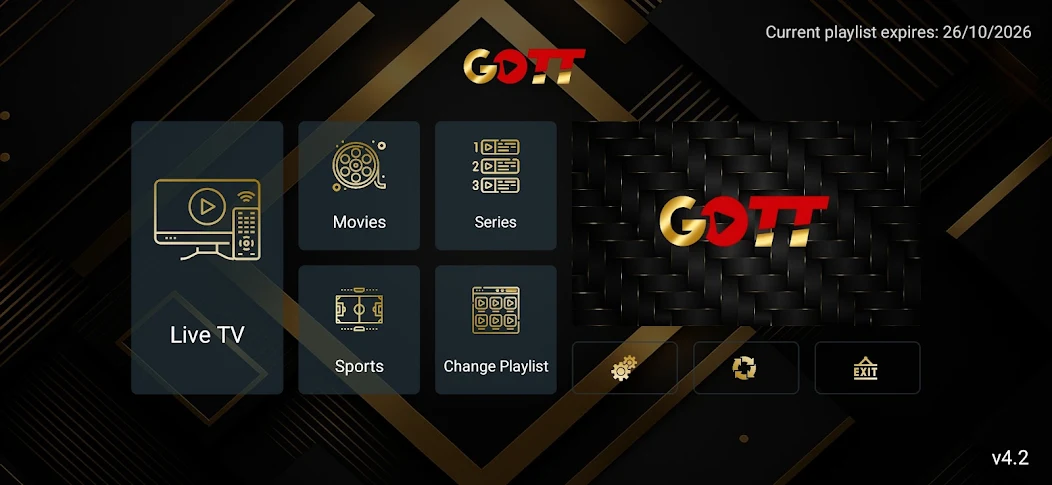
Live Entertainment
The live entertainment experience on IBO Gold Player is where the application truly shines. With access to thousands of entertainment options from around the world, there is something for everyone in the family.
Channel Categories:
- Entertainment and general programming
- News channels (international and local)
- Kids and family content
- Music and radio channels
- Documentary and educational
- Cultural and regional programming
Picture Quality Options:
- SD (480p) for slower internet connections
- HD (720p) for balanced quality and bandwidth
- Full HD (1080p) for sharp, detailed viewing
- 4K UHD (2160p) for the ultimate experience (where available)
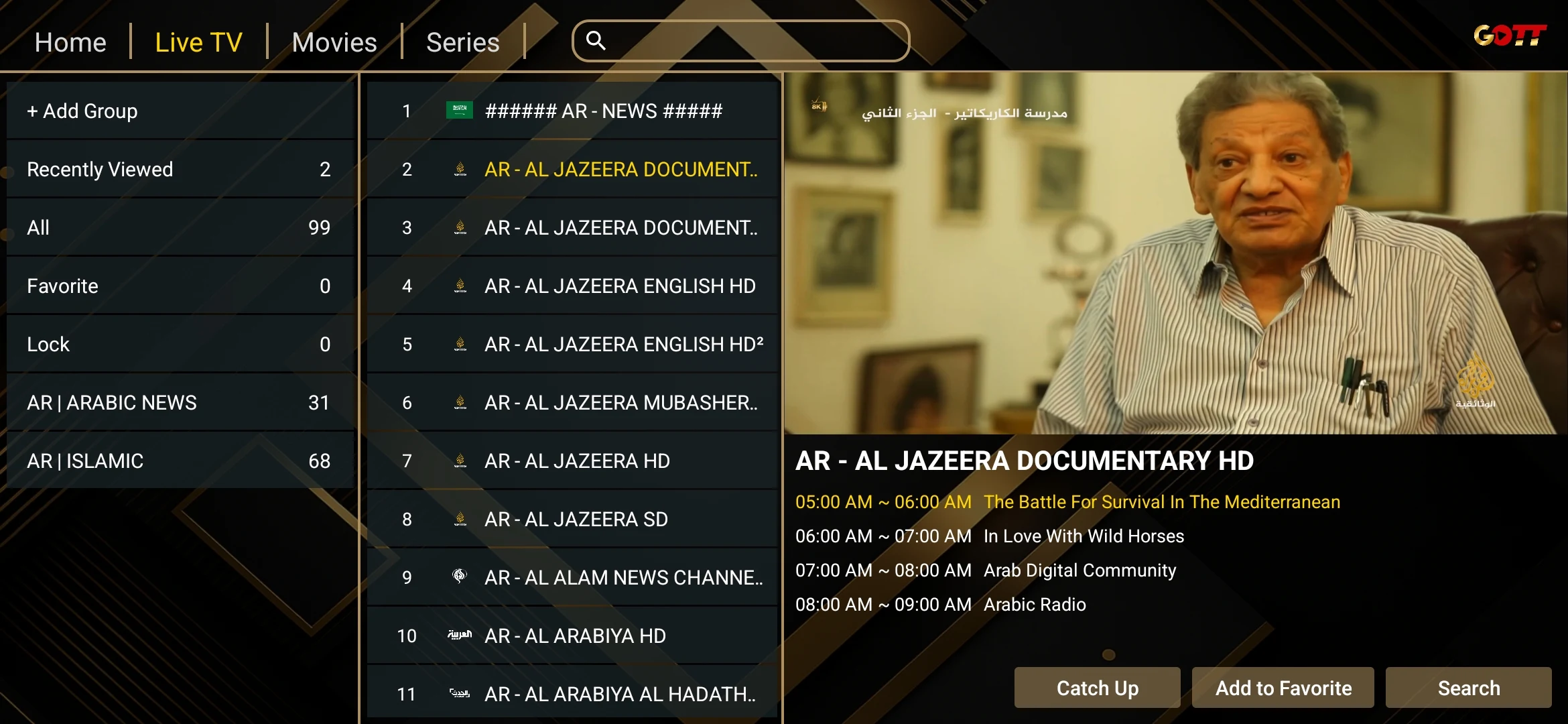
The EPG integration means you never have to wonder what is on. Simply press the guide button on your remote to see a full schedule grid with program descriptions, airing times, and genre tags. You can scroll forward up to seven days to plan your viewing.
Content switching is nearly instantaneous thanks to IBO Gold Player's intelligent pre-buffering technology. The app begins loading the next content in the background, reducing wait times to under two seconds in most cases.
Movies & Series
Beyond live entertainment, IBO Gold Player includes an impressive on-demand library of premium content.
Movie Library Highlights:
- Thousands of titles across all genres
- New releases added regularly
- Multiple quality options per title (HD and 4K)
- Multi-language audio and subtitle tracks
- Organized by genre, year, and rating
TV Series Collection:
- Complete seasons of popular shows
- Automatic next-episode playback
- Resume watching from where you left off
- Season and episode organization
- Watchlist functionality
The on-demand section features an intuitive search engine that lets you find content by title, genre, or release year. The recommendation engine learns your preferences over time and suggests content you are likely to enjoy.
New content is added to the library on a weekly basis, ensuring you always have fresh entertainment options. The library spans a diverse range of genres and international content.
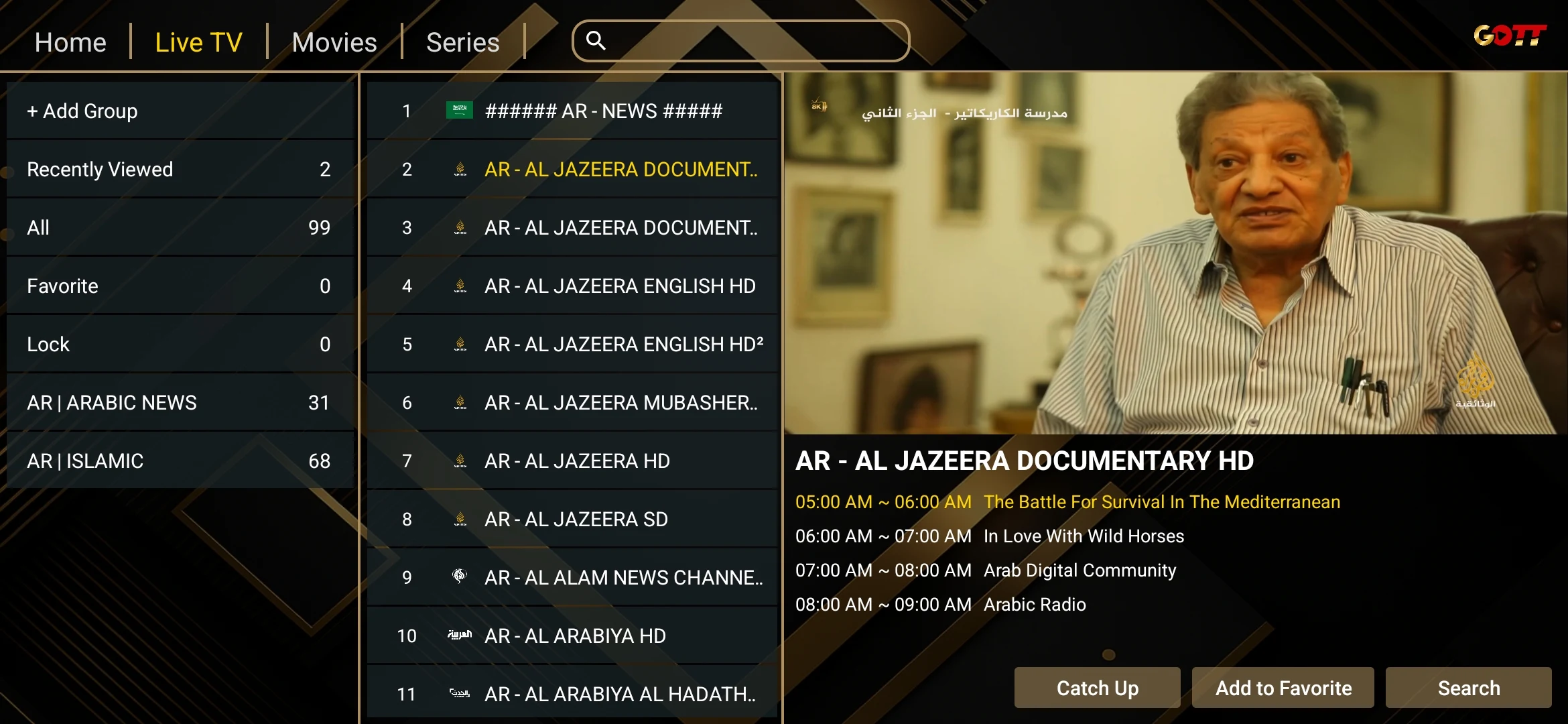
Sports
Sports fans will find IBO Gold Player particularly compelling. The application offers comprehensive sports coverage across multiple categories.
Sports Categories:
- Football and soccer
- Basketball
- Tennis
- Motorsport
- Combat sports
- Cricket, rugby, and more
Sports Features:
- Dedicated sports category with all content grouped together
- Multi-screen viewing on supported devices
- High frame rate streaming for fast-paced action
- Instant replay support on select content
The sports streaming quality is optimized for fast-moving content, with higher frame rates (50/60fps) to ensure smooth, stutter-free viewing during live events.
Sports Tip: For the best sports viewing experience, we recommend a minimum internet speed of 25 Mbps for HD content and 50 Mbps for 4K streams. Connect your device via Ethernet cable rather than Wi-Fi for the most stable connection.
Performance
IBO Gold Player is engineered for performance. Every aspect of the application has been optimized to deliver smooth, buffer-free streaming even on modest internet connections.
Technical Specifications:
- Minimum internet speed: 10 Mbps (SD/HD content)
- Recommended internet speed: 25 Mbps (Full HD)
- Optimal internet speed: 50+ Mbps (4K content)
- Supported codecs: H.264, H.265 (HEVC), VP9
- Audio codecs: AAC, AC3, DTS passthrough
Performance Optimizations:
- Adaptive bitrate streaming (automatically adjusts quality based on connection speed)
- Intelligent buffering that pre-loads content to prevent interruptions
- Hardware acceleration support for smooth 4K playback
- Low memory footprint — runs smoothly on devices with just 1GB RAM
- Background data optimization to reduce bandwidth usage
Stability:
- 99.9% uptime across server infrastructure
- Automatic server failover for uninterrupted viewing
- Crash recovery that resumes your stream exactly where you left off
- Regular app updates with performance improvements and bug fixes
Users consistently report that IBO Gold Player outperforms competing streaming applications in both startup speed and channel switching time. The app loads in under three seconds on most devices and switches channels in under two seconds.
Frequently Asked Questions
Is IBO Gold Player free? The application itself can be downloaded for free, but you need an active streaming subscription to access content. Visit our Packages page to view available plans starting from just a few dollars per month.
How many devices can I use with one subscription? Each subscription is tied to one device via its unique MAC address. If you want to watch on multiple devices, you will need a separate subscription for each. We offer multi-device discounts — contact our support team for details.
What internet speed do I need? A minimum of 10 Mbps is required for SD content. For the best HD experience, we recommend 25 Mbps, and for 4K streaming, 50 Mbps or higher is ideal.
Can I use a VPN with IBO Gold Player? Yes, IBO Gold Player works with most popular VPN services. Using a VPN can sometimes improve streaming performance by avoiding ISP throttling.
What if my stream is buffering? First, check your internet speed at speedtest.net. If speeds are adequate, try switching to a different server within the app, clearing the app cache, or connecting via Ethernet instead of Wi-Fi. For persistent issues, visit our troubleshooting guide or contact support.
How do I update IBO Gold Player? Updates are delivered automatically through your device's app store. On sideloaded installations (Fire TV Stick), you will receive an in-app notification when a new version is available.
Can I become a reseller? Absolutely. We offer a Partner Program with competitive pricing, a dedicated management panel, and full support. Visit our partner page to learn more.
Conclusion
IBO Gold Player represents the pinnacle of streaming technology in 2026. With its stunning interface, vast content library, comprehensive device support, and rock-solid performance, it delivers an entertainment experience that sets a new standard for digital streaming.
Whether you are looking for a premium entertainment experience, comprehensive sports coverage, or an extensive on-demand library, IBO Gold Player has everything you need in one elegant package.
The combination of Full HD and 4K streaming quality, intelligent program guide integration, and near-instant content switching makes it the clear choice for discerning viewers who refuse to compromise on their entertainment experience.
Ready to experience the future of entertainment? Browse our Packages to find the perfect plan for your needs, or join our Partner Program to grow your business with IBO Gold.